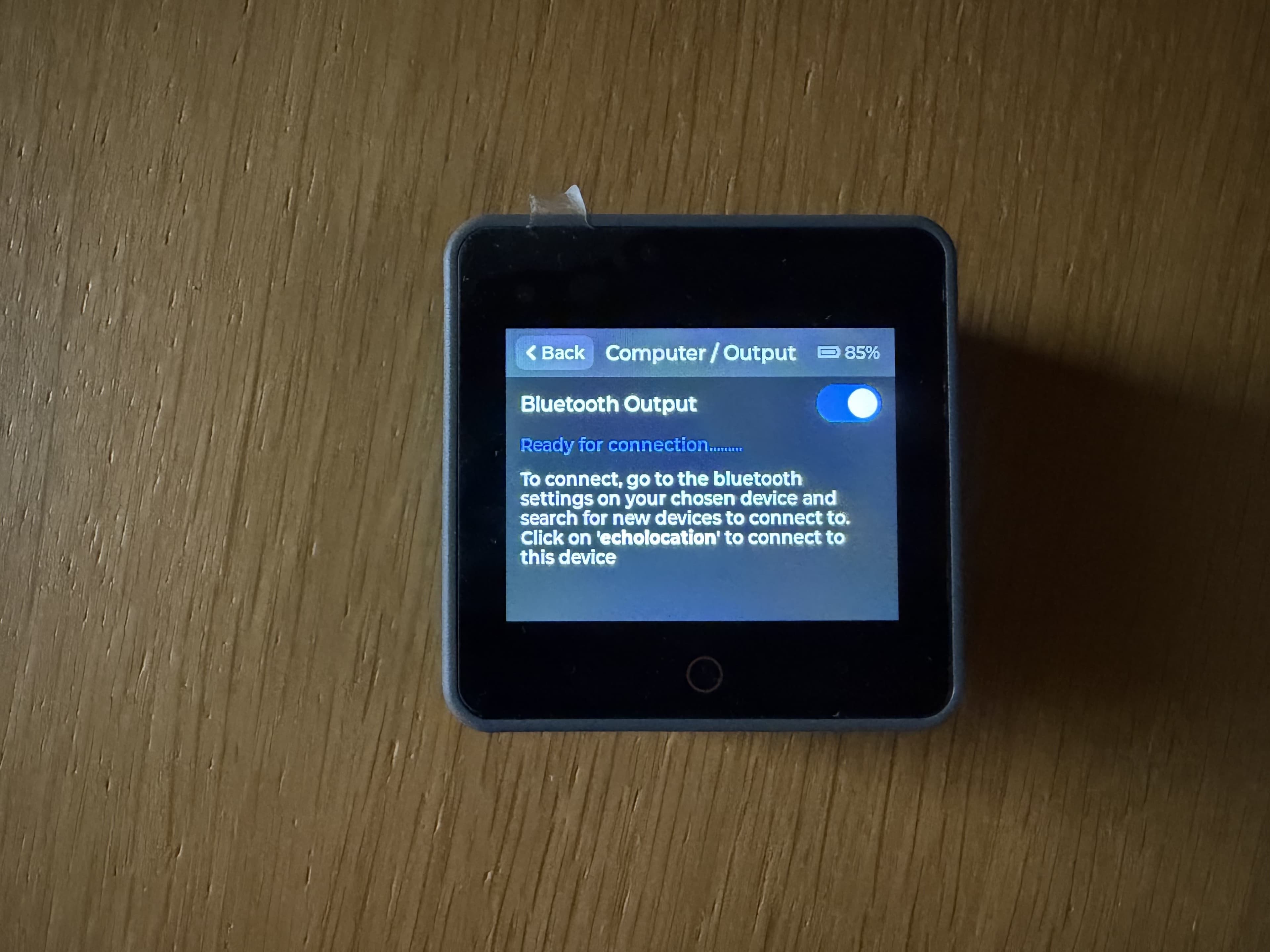
Connecting an output device
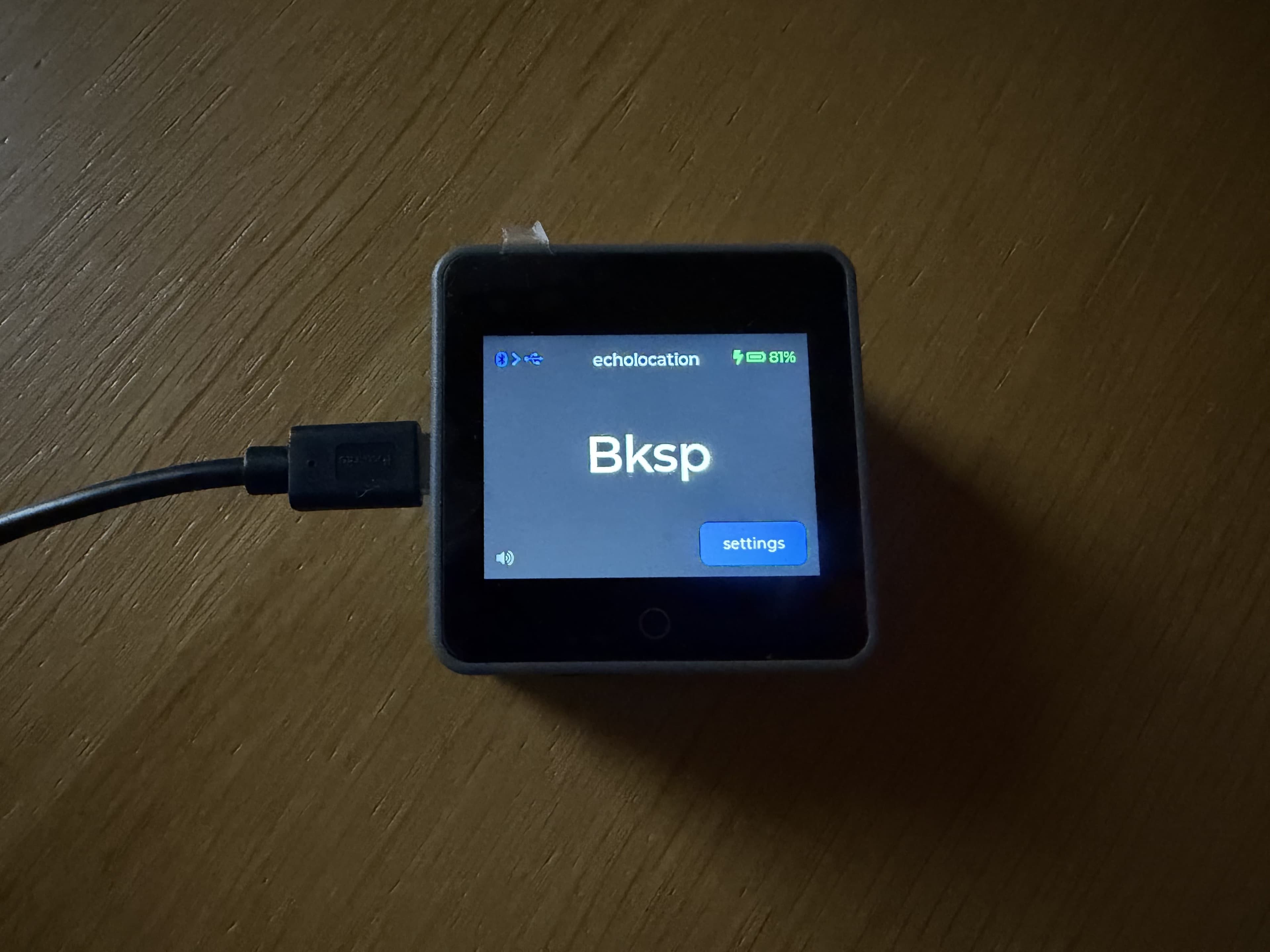
echolocation appears to your computer or iPad as a normal keyboard. No special software is required. Connect over USB or Bluetooth, then hold keys to send them.
USB output
- Connect a USB cable from echolocation to your computer or iPad (use a supported adapter on iPad if needed).
- The host should treat echolocation as a standard keyboard named
echolocation. - Press and hold a key past your hold time — it should type once on the host.
Bluetooth output
- Open Settings on echolocation, then Bluetooth → Configure Computer Connection.
- On your computer or iPad, open Bluetooth settings and look for echolocation.
- Pair and wait until the device shows the computer connection as connected.
- Hold a key to confirm it types on the host.
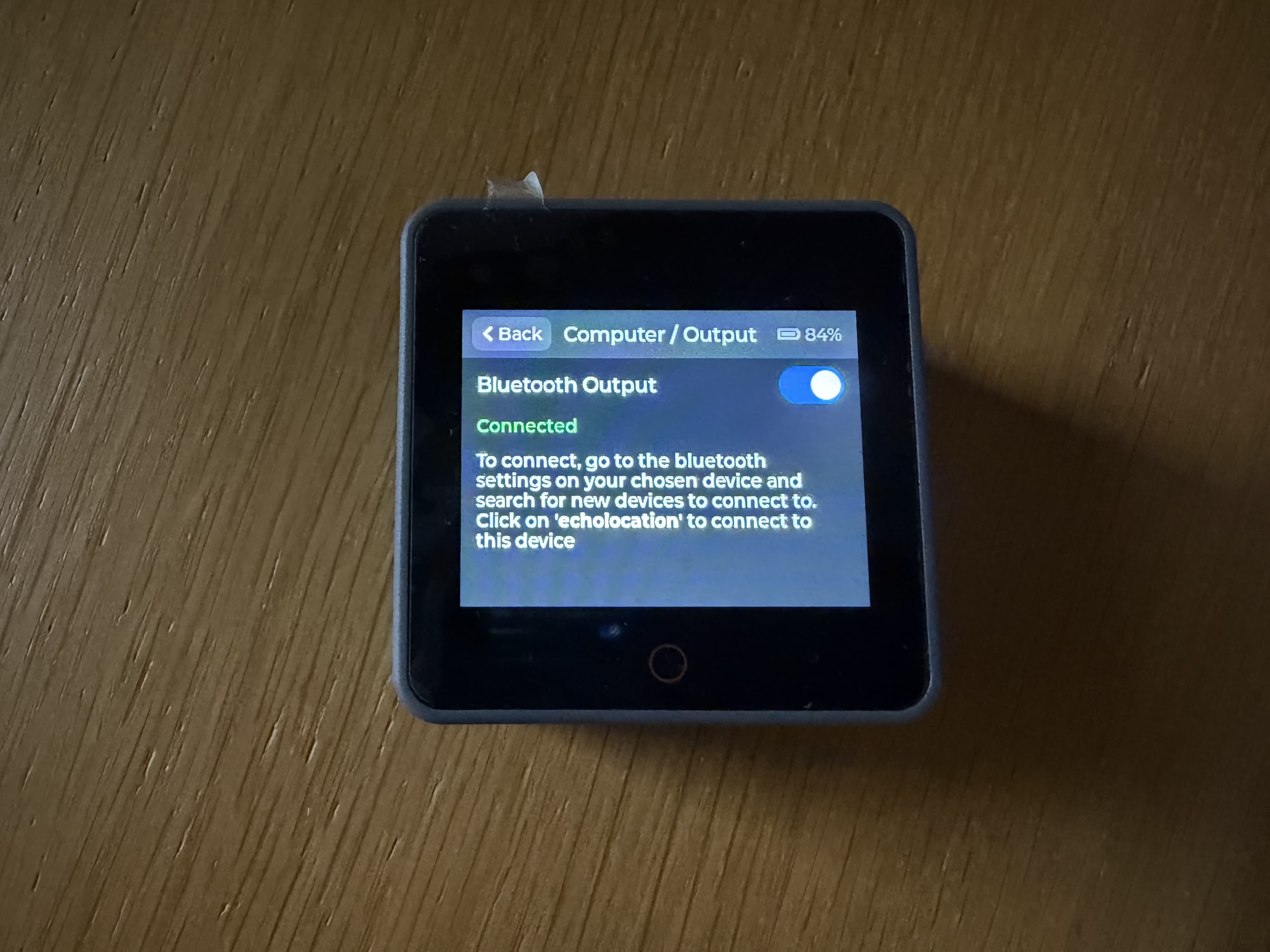
While pairing, the screen may show that it is searching for a computer: