Audio output
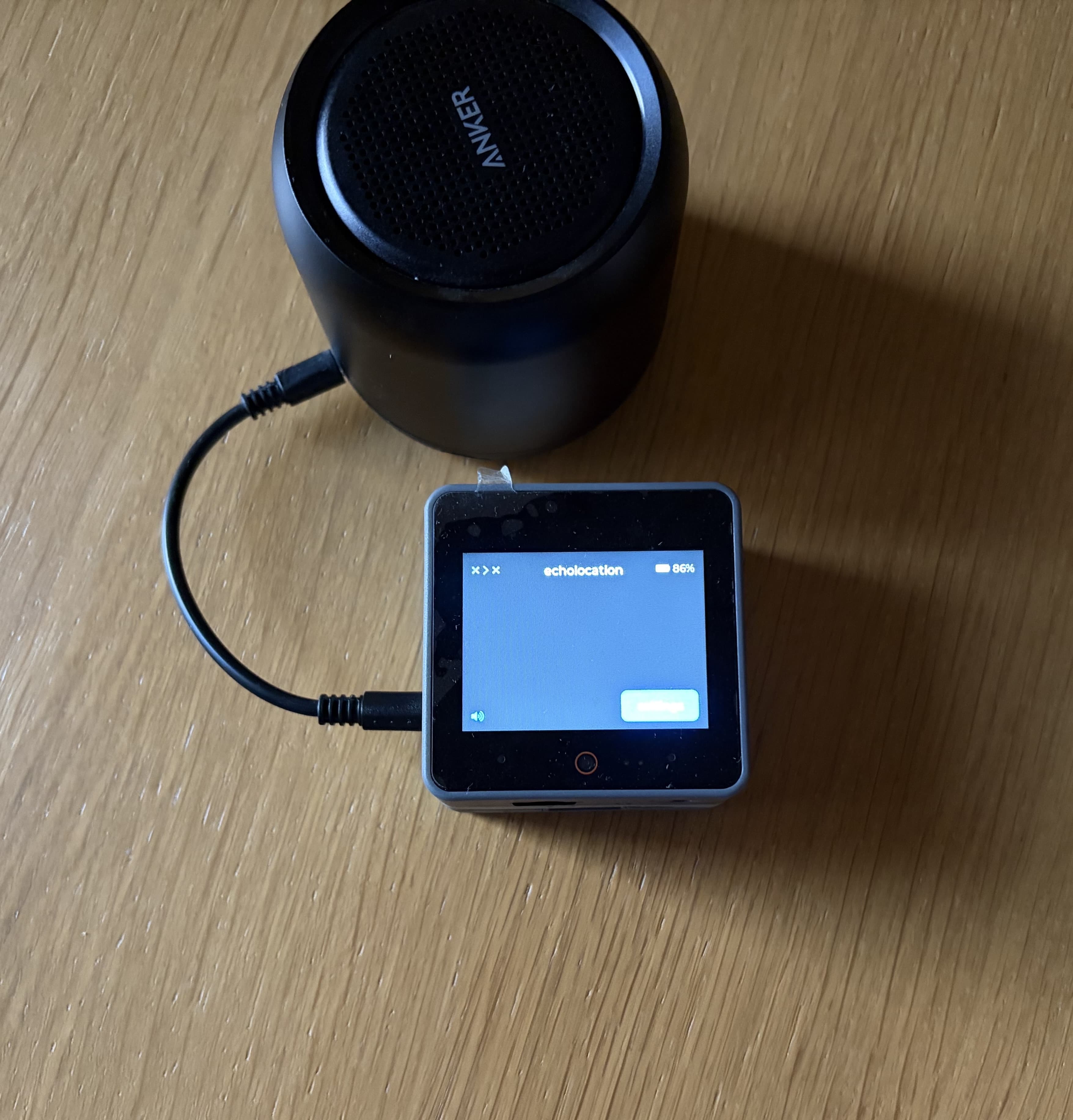
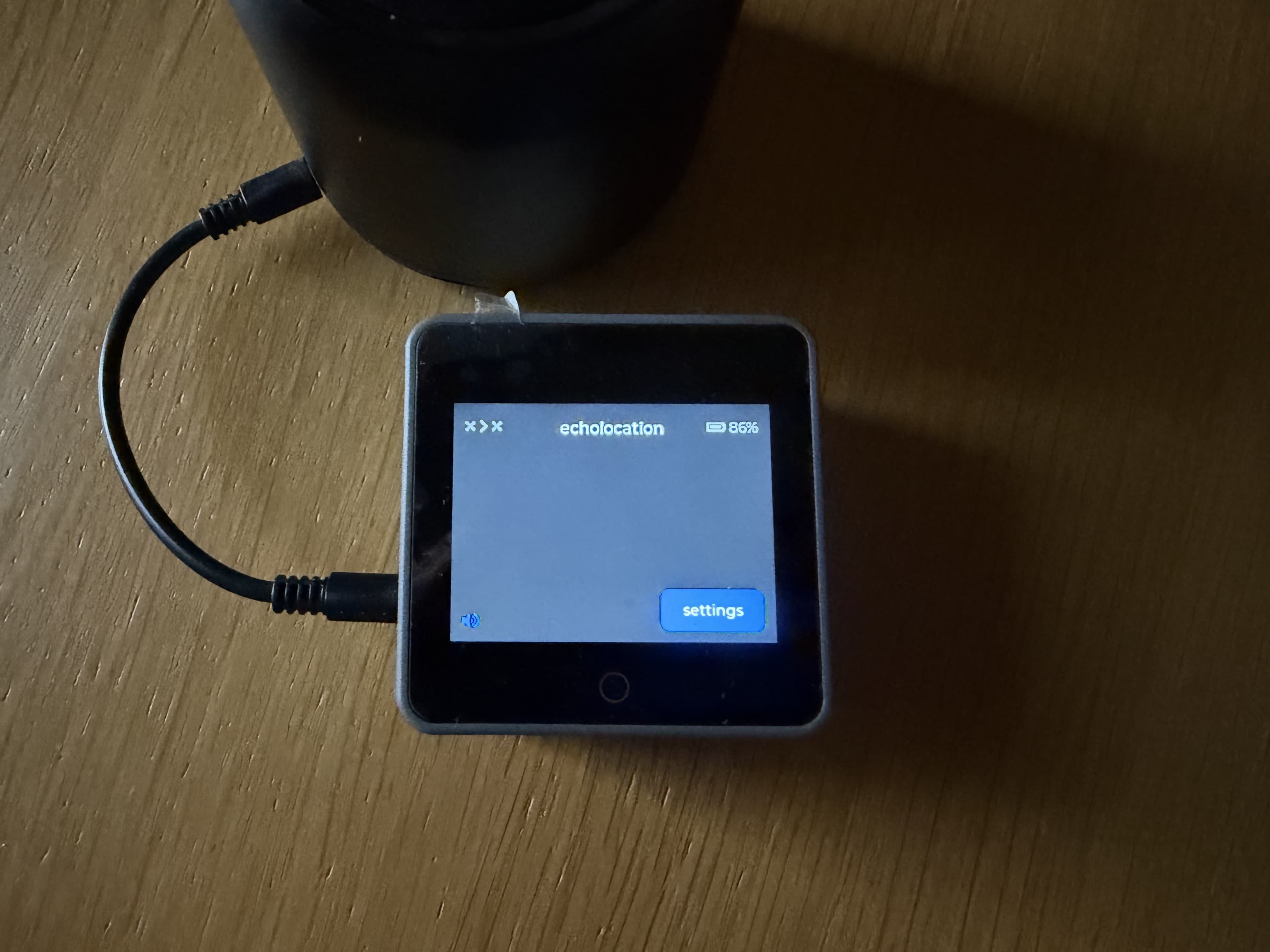
By default, echolocation plays speech from the built-in speaker. If you plug in headphones or an external speaker, audio switches to that output automatically. When you unplug, it switches back to the built-in speaker.
Built-in speaker
No setup is required. After a keyboard is connected, each keypress should be spoken through the device speaker.
Headphones or external speaker
- Plug a compatible audio jack into the audio port on echolocation.
- Press a key — speech should come from the plugged-in device instead of the built-in speaker.
- Unplug to return to the built-in speaker.
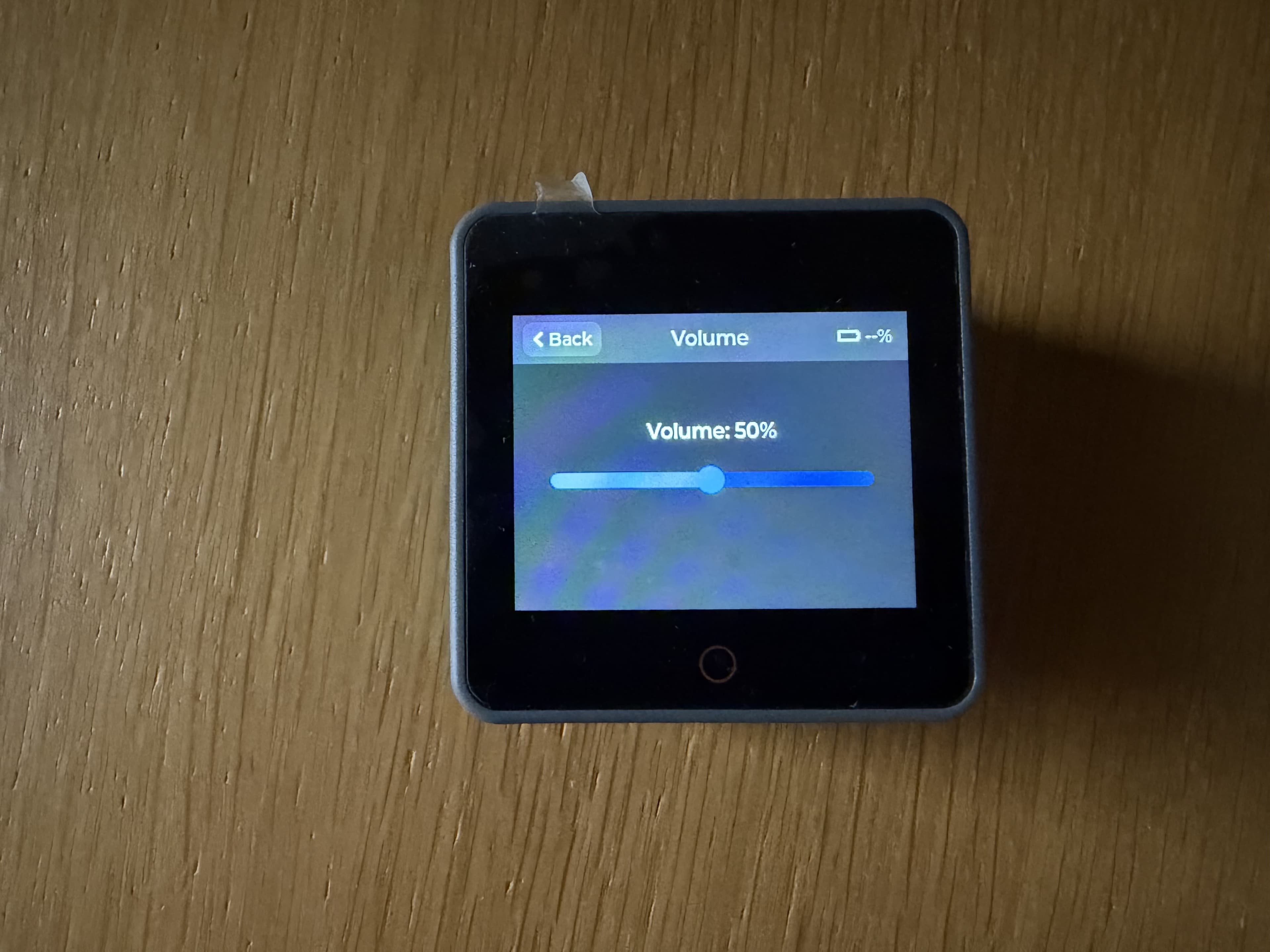
Volume
Open Settings → Volume and adjust the level. The setting is saved and persists across reboot.